Before takeoff,
show it off.
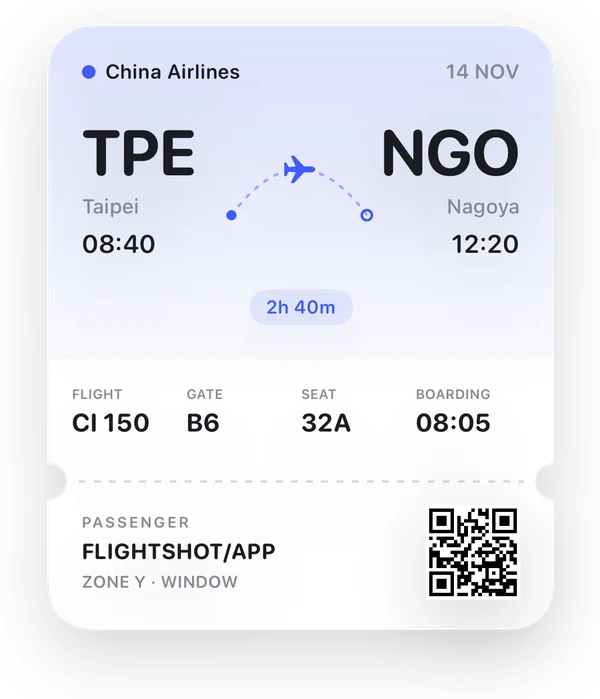
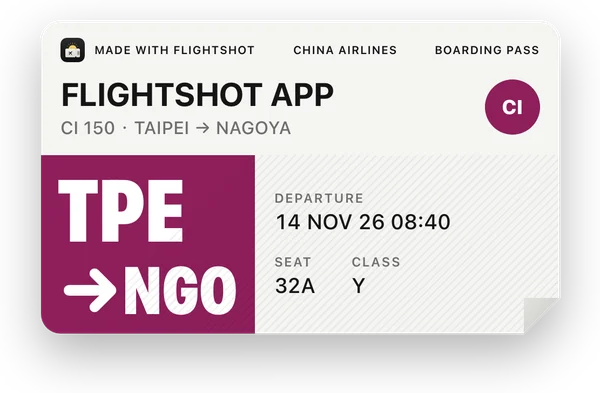
Scan your boarding pass and pick from 42 hand-crafted cards: boarding passes, split-flap boards, passport stamps, Polaroids. Then drop it straight into your Instagram story.
- No account
- Stays on your phone
- Dynamic Island ready
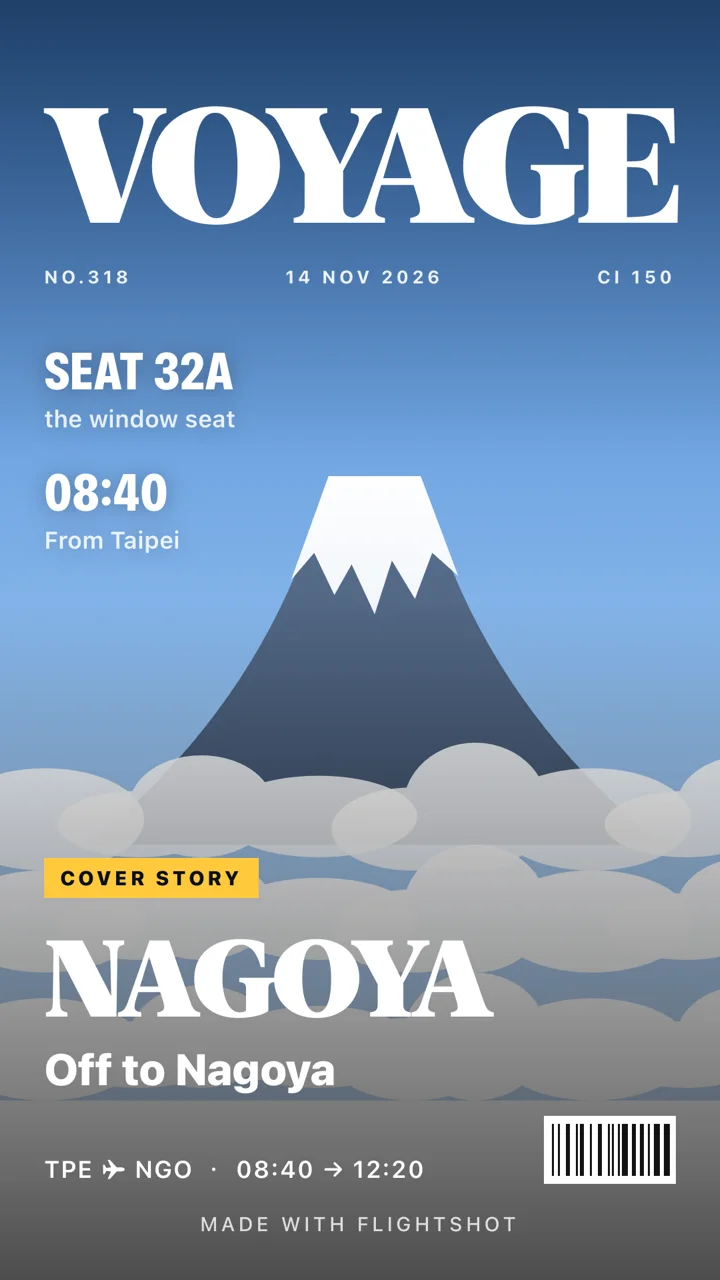
 Your storynow
Boarding pass to story in three steps
No typing, no photo editing. FlightShot works out the details, lays them out and turns them into a card worth posting.
Scan it, and the flight is in
Scan the barcode on your boarding pass, pick a screenshot of your booking, or type the flight number. Times, distance and time zones are worked out for you.
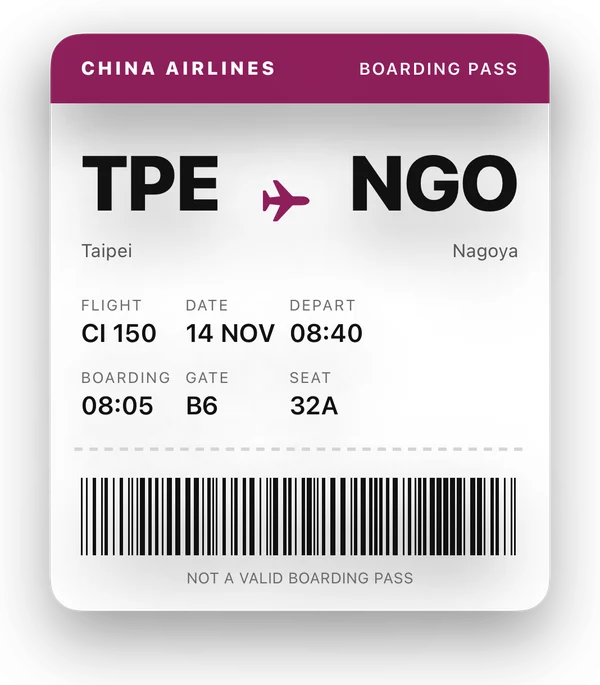
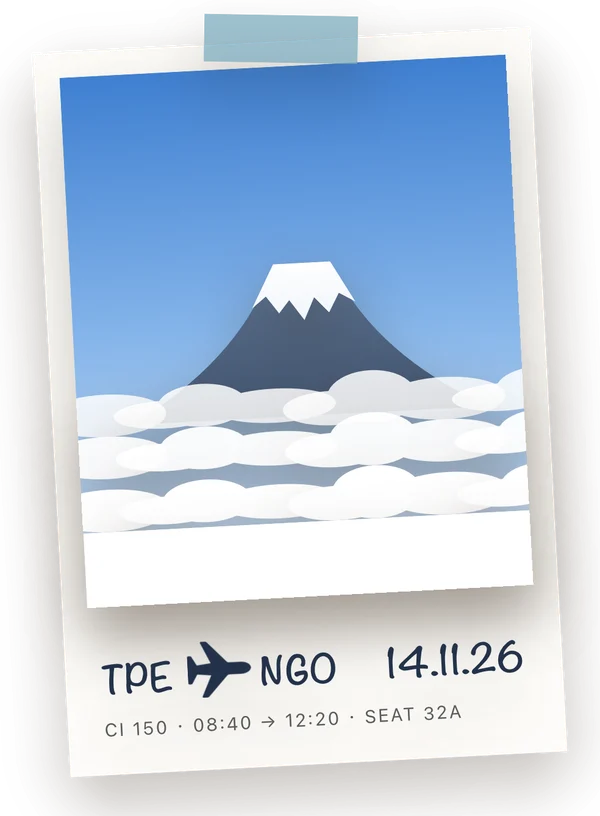

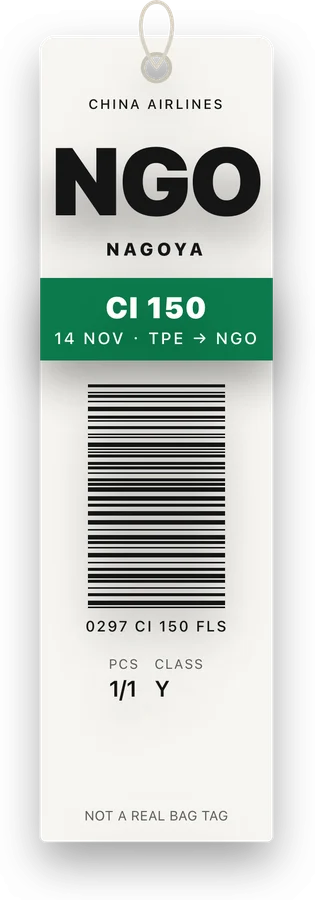
Pick a card, and that’s your story
42 boarding passes, boards, Polaroids and maps. Every line of text is editable, and so are the colors, the typeface and the motion.
Bring it to life, send it anywhere
Export a full-screen story, a transparent sticker, a looping GIF or a 6-second video, straight to Instagram, Threads, X or LINE.
42 cards. One of them is you.
Each one designed by hand: the grain of the paper, the ink of a stamp, the rhythm of a split-flap. Use it full screen as a story, or as a sticker over your own photo.
Cards that move
Every card animates: passes pop in with a shine, split-flaps flip letter by letter, stamps land one by one, the route draws itself. Preview and export share one timeline, so what you see is what you get.
One card, four exports
Ready to be your story background.
Drag, scale and rotate it in Instagram.
Paste it into LINE or Messages.
Plays as long as your story’s music.
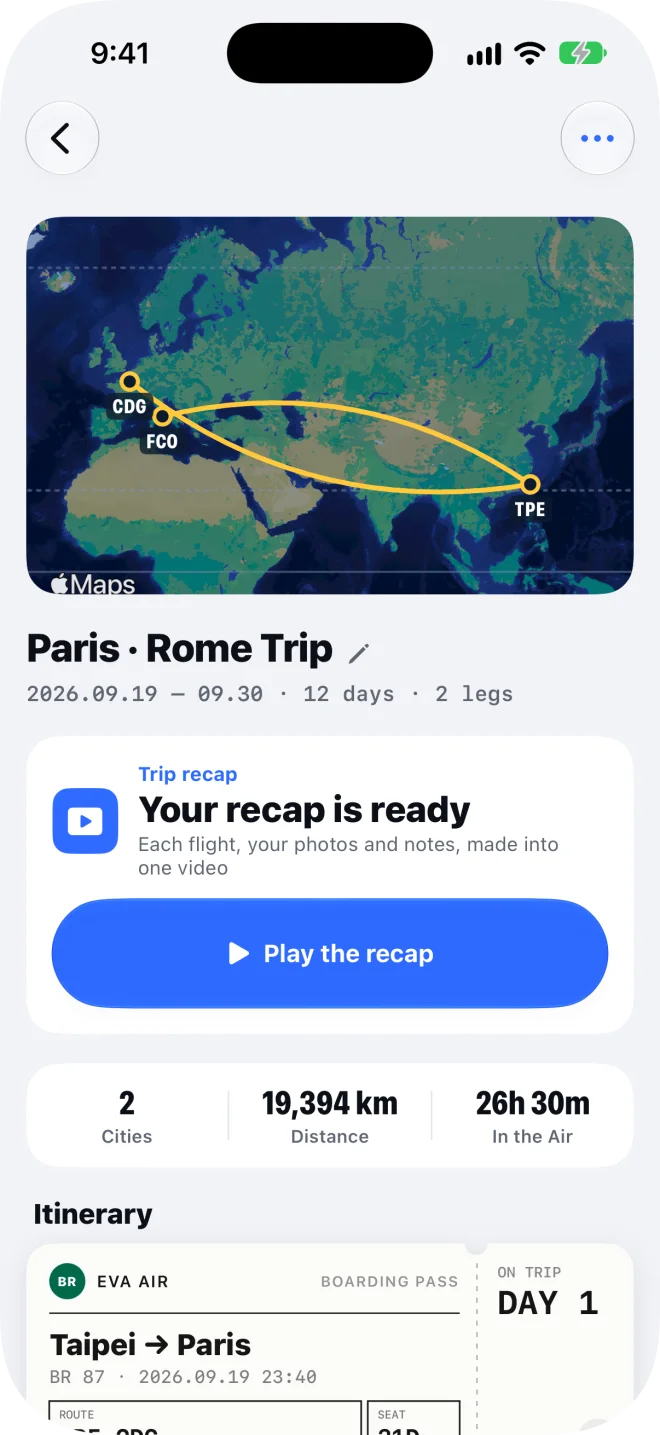
Trips that sort themselves, a recap when you’re home
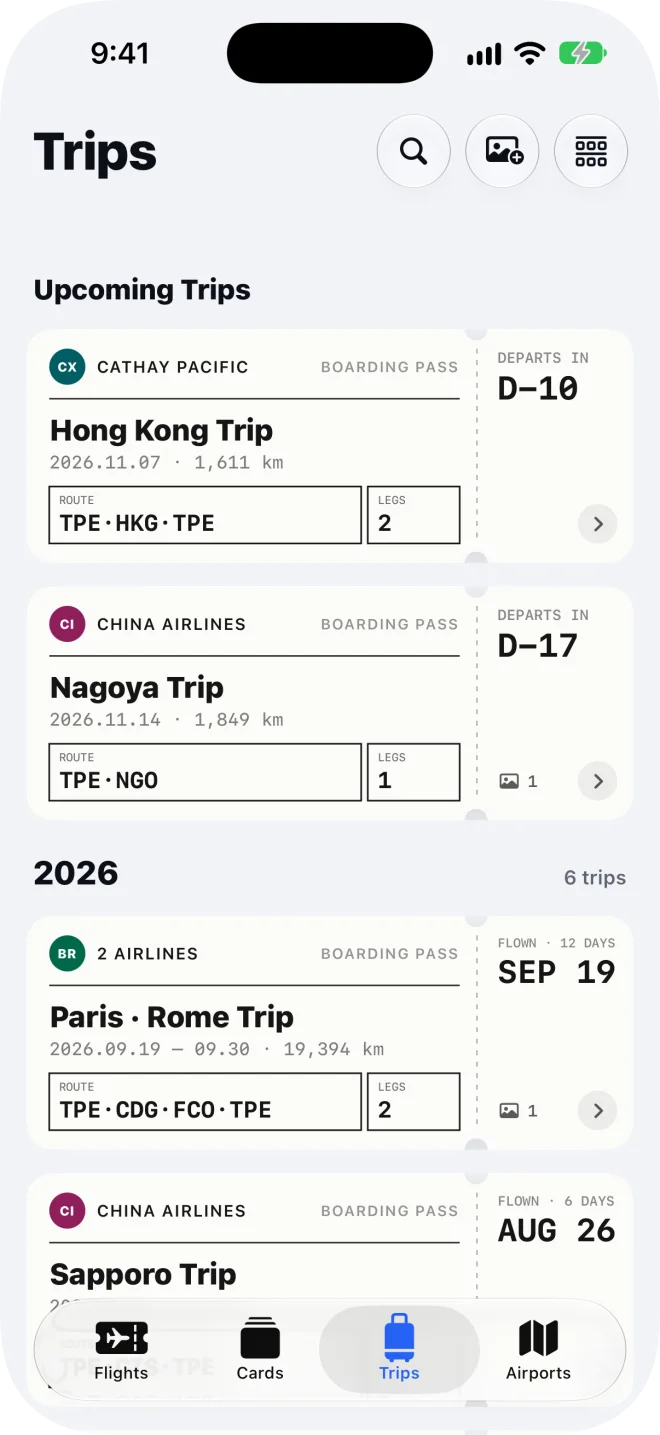
The flights from leaving to coming home become one trip. Add a few photos and a line each day, and a recap video is waiting when you land.
A page a day
Photos land on the day they were taken. Add one line and you’re done.
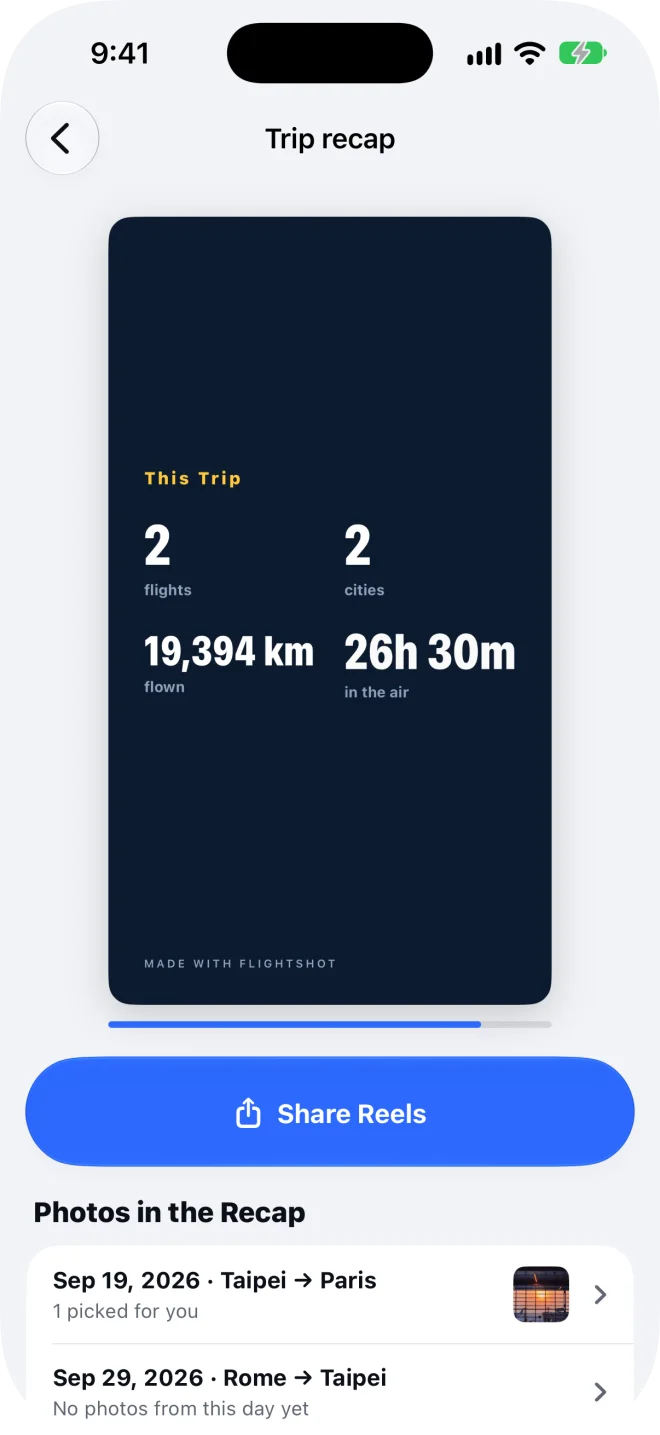
Recap video
The route draws out, a scene per day, then the totals. Saved as a Reels video.
Instagram carousel
A 4:5 cover plus a slide per flight, in five layouts: classic, grid, film, map and ticket.
Find anything
Search by city, airport code, airline, flight number or year, in any language.
On the day, it lives on your Dynamic Island
Four hours before takeoff, a notification brings your departure and boarding times; one tap puts the flight in the Live Activity, gate and seat on your Lock Screen. Land, tap “I’m Here”, and it turns into your arrival: the time difference and the local weather.
Flight day: the flight, boarding time, gate and seat on your Lock Screen, with a photo or a card one tap away.
FlightShot isn’t a flight tracker: it shows what you entered and never uses your location.

Widgets that count down
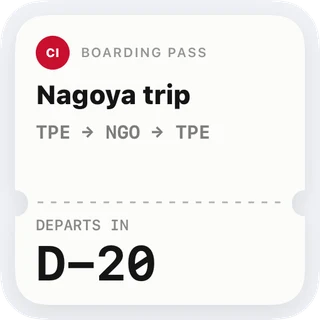
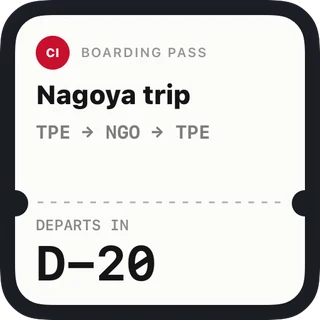
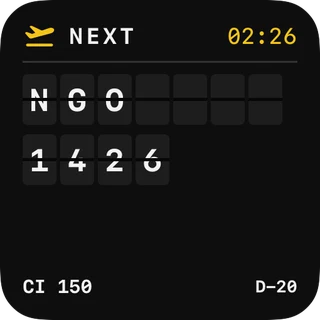
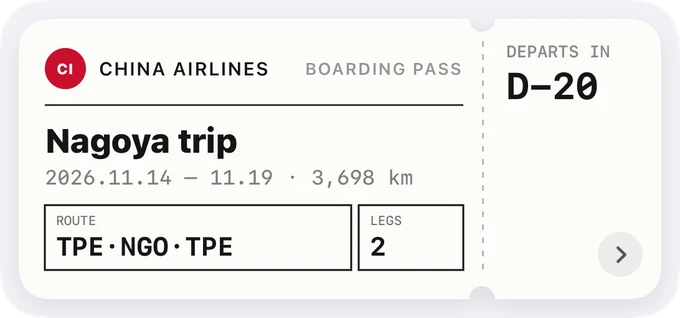
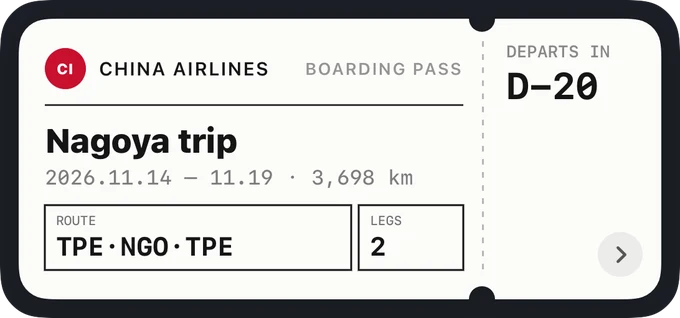
Home Screen and Lock Screen widgets turn a page every midnight until you leave.
Every airport, collected
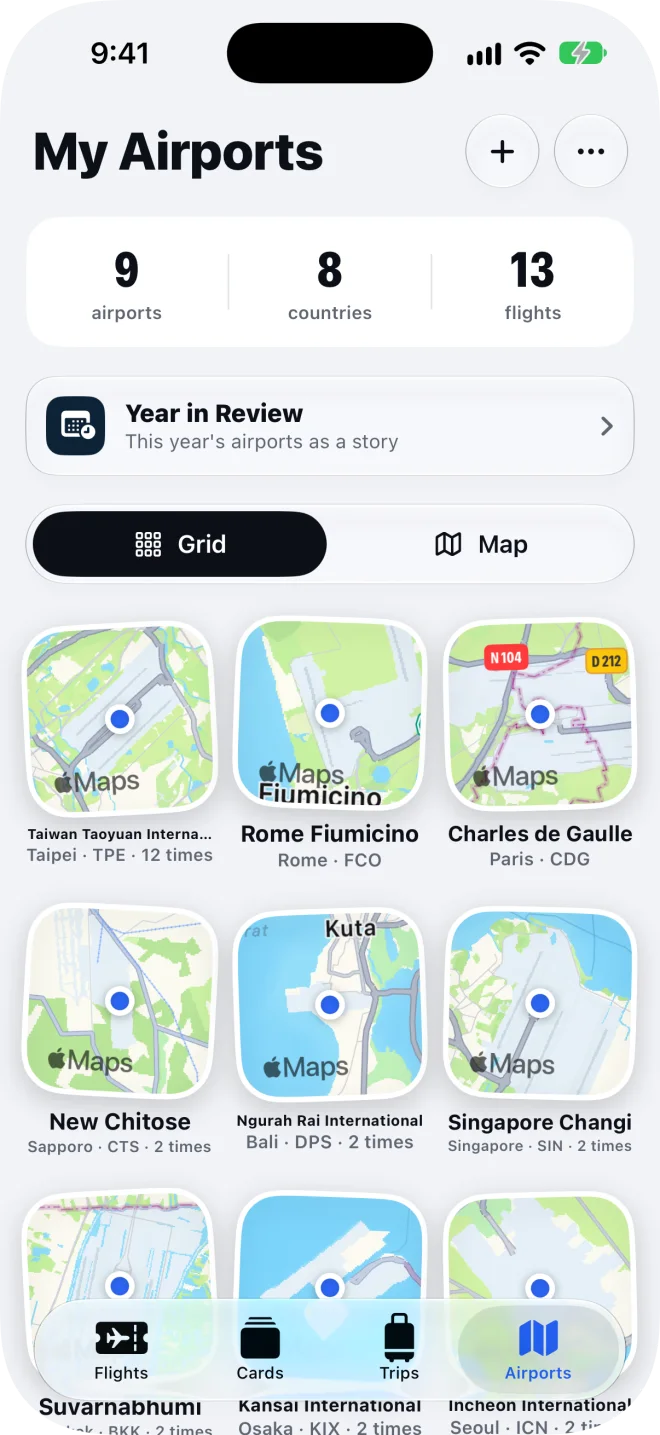
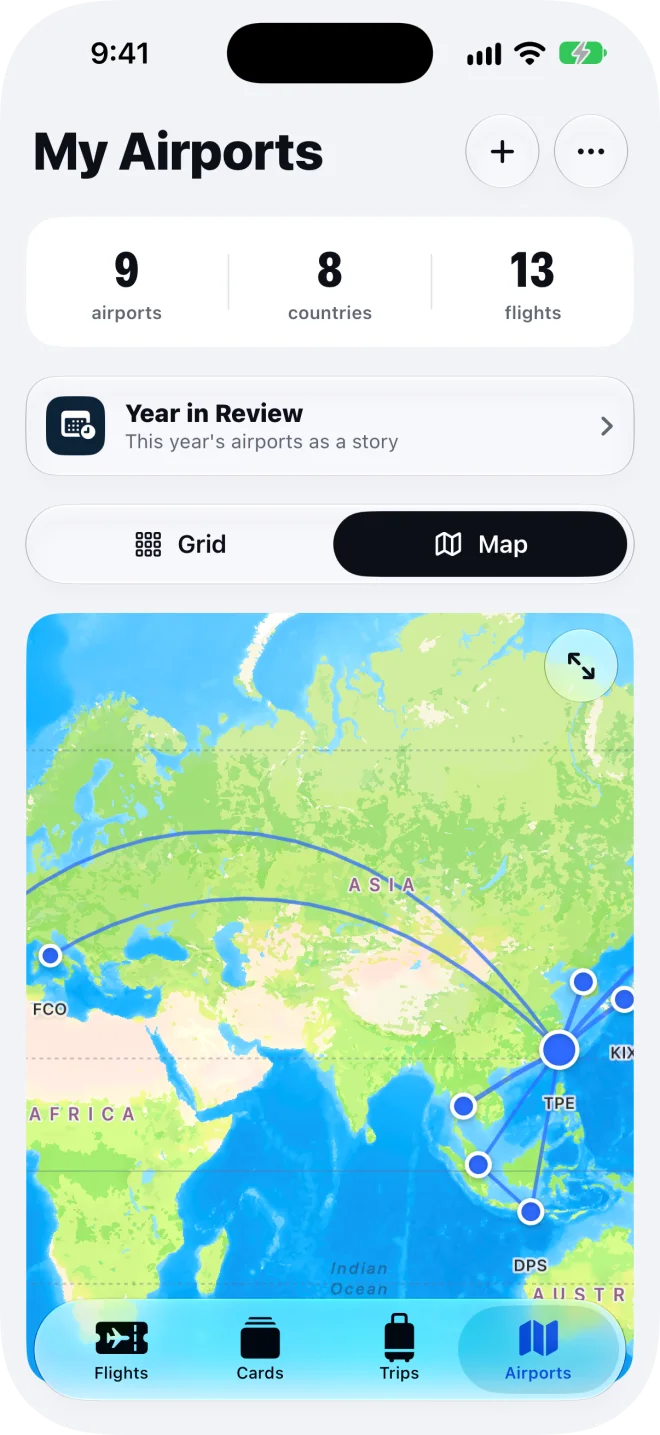
Each airport you fly through becomes a map tile. Switch to the world map and your routes draw along the curve of the Earth, thicker the more you fly them.
Year in Review
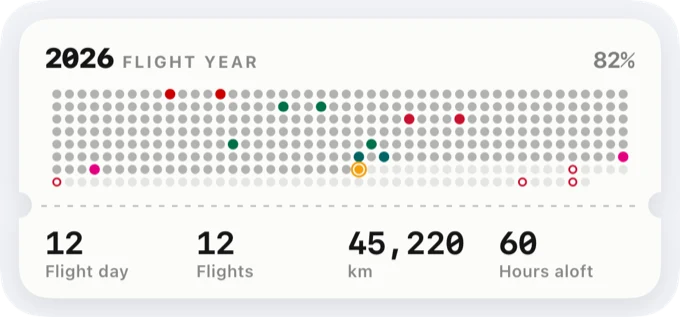
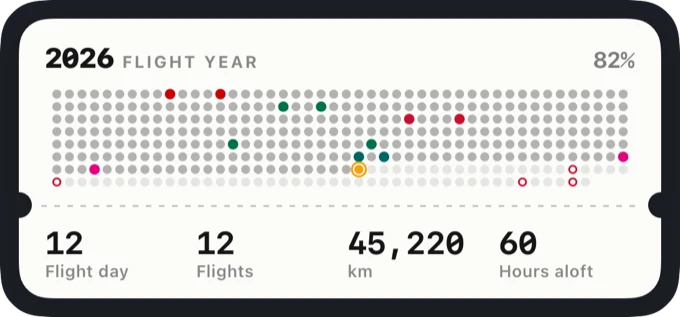
A year of flights as a 7-second Story in five themes: Night Sky, Passport, Boards, Receipt and Minimal. Numbers count up, stamps land, the receipt prints. Pick a color, a title and an effect, then save the video or share it straight to Instagram.
Even the app icon is yours
Beyond the black-and-gold sunbathing ticket, pick from 18 more: holo sticker, neon, pixel art, postage stamp, brushed metal and more.
Private by default
FlightShot has no accounts and keeps nothing about you on a server. Your flights, photos and trips stay on your iPhone, start to finish.
No account
Open it and go. No sign-up, no login, no password.
Stays on your phone
Flights, photos and journals are stored on the device and never uploaded.
Your name isn’t kept
The name and booking code in a boarding pass only check its format. They’re never stored or printed.
Only the flight number
Looking up a flight sends just the flight number and date (like CX450 on November 7), and nothing about you.
Speaks your language
The app and its cards follow your phone: Traditional Chinese, English, Japanese, Korean, Spanish or French. The Japanese rail ticket stays Japanese, and passport stamps use the country’s own name.
Questions
Which iPhones does it run on?
FlightShot needs iOS 26 or later. It’s built on iOS 26’s Liquid Glass, the Dynamic Island and Live Activities.
Where can I share?
Instagram Stories, Facebook Stories, Threads, X, LINE, Messages, AirDrop, or save to Photos. A whole trip can become an Instagram carousel.
Does it work offline?
Yes. Only the automatic route lookup from a flight number needs a connection. Without one you can type everything in, and map cards fall back to a built-in route map.
Does it track my flight live?
No. FlightShot isn’t a flight tracker: it has no live flight data and never uses your location. The Dynamic Island shows what you entered; tap “I’m Here” when you land.
Does scanning my boarding pass keep my name?
No. The name and booking code in the barcode are only used to check its format. They aren’t stored and never appear on a card.
Can I use a card as a travel document?
No. Cards, stamps and visas are souvenirs, not travel documents. FlightShot isn’t affiliated with any airline or airport.
Your next flight is worth a post.
Scan your boarding pass. FlightShot does the rest.